How to Build an Automated Blog with OpenClaw and Ghost (Complete Guide)
What if your blog could research, write, illustrate, and publish itself — automatically? Here's the complete guide to building a fully automated content pipeline with OpenClaw and Ghost CMS.

What if your blog could write, illustrate, and publish itself — while you sleep?
Why Automate Your Blog?
Content is king, but creating it consistently is exhausting. Most bloggers fail not because they lack ideas — but because they run out of time and energy to execute. Researching, writing, finding images, formatting, scheduling — it's a full-time job.
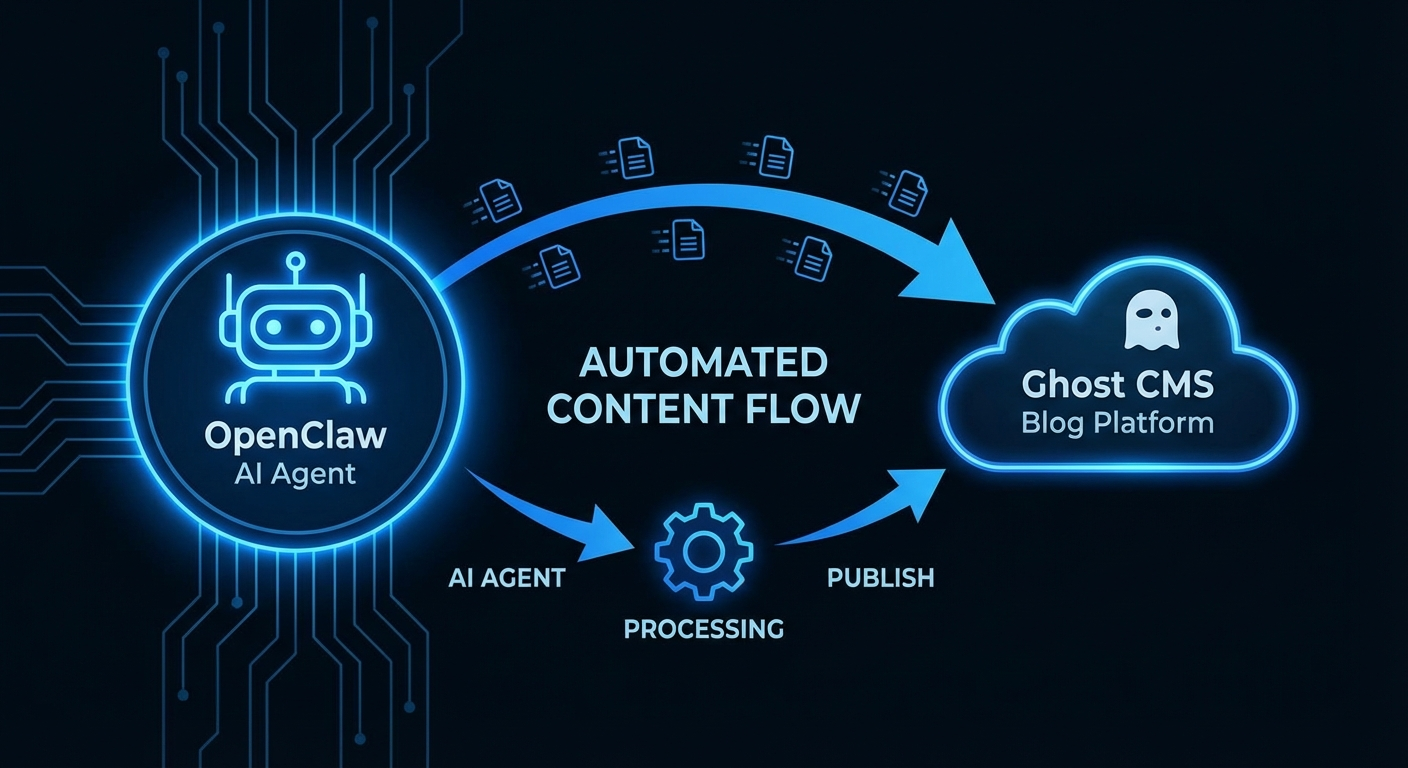
What if an AI agent handled all of that for you? Not just writing assistance, but the entire pipeline: research → write → illustrate → publish → schedule. That's exactly what you can build with OpenClaw and Ghost.
What You'll Build
By the end of this tutorial, you'll have a fully automated blog pipeline that:
- Researches trending topics in your niche
- Writes SEO-optimized articles in your tone and style
- Generates custom AI images for each post
- Publishes directly to your Ghost blog
- Runs on a schedule — daily, weekly, or on demand
- Requires zero manual work after setup
What You Need
- OpenClaw — your AI agent (free, open-source) at openclaw.ai
- Ghost CMS — your blog platform (self-hosted or Ghost Pro)
- An AI API key — Anthropic Claude or OpenAI (from ~$10/month)
- Gemini API key — for AI image generation (optional, ~$0.04/image)
- A VPS — Hetzner CX22 at $4.50/month is perfect
Part 1: Set Up OpenClaw
Install OpenClaw and run the onboarding wizard:
npm install -g openclaw@latest
openclaw onboard --install-daemon
Connect your preferred chat app so you can control OpenClaw from anywhere:
openclaw channel add telegram
# or
openclaw channel add whatsapp
Now you can message your AI agent from Telegram or WhatsApp — from anywhere in the world.
Part 2: Connect Ghost to OpenClaw
Step 1: Get Your Ghost Admin API Key
- Log into your Ghost admin panel
- Go to Settings → Integrations → Add custom integration
- Name it "OpenClaw" and click Create
- Copy the Admin API Key and API URL
Step 2: Save Credentials to OpenClaw
Add your Ghost credentials to the TOOLS.md file in your OpenClaw workspace:
## Ghost
- Site URL: https://yourblog.com
- Admin API Key: YOUR_KEY_HERE
- API Base: https://yourblog.com/ghost/api/admin
Part 3: Publish Your First Automated Post
Now the magic happens. Just message your OpenClaw agent in Telegram or WhatsApp:
"Write a tutorial about [topic] and publish it to my Ghost blog"OpenClaw will automatically:
- Research the topic using web search
- Write a full SEO-optimized article with headings, lists, and quotes
- Generate a custom featured image using AI
- Upload the image to your Ghost media library
- Publish the post with proper tags, excerpt, and slug
- Send you a confirmation with the live URL
From message to live post: typically under 3 minutes.
Part 4: Schedule Recurring Posts (Full Autopilot)
This is where it gets really powerful. Tell OpenClaw to publish on a recurring schedule:
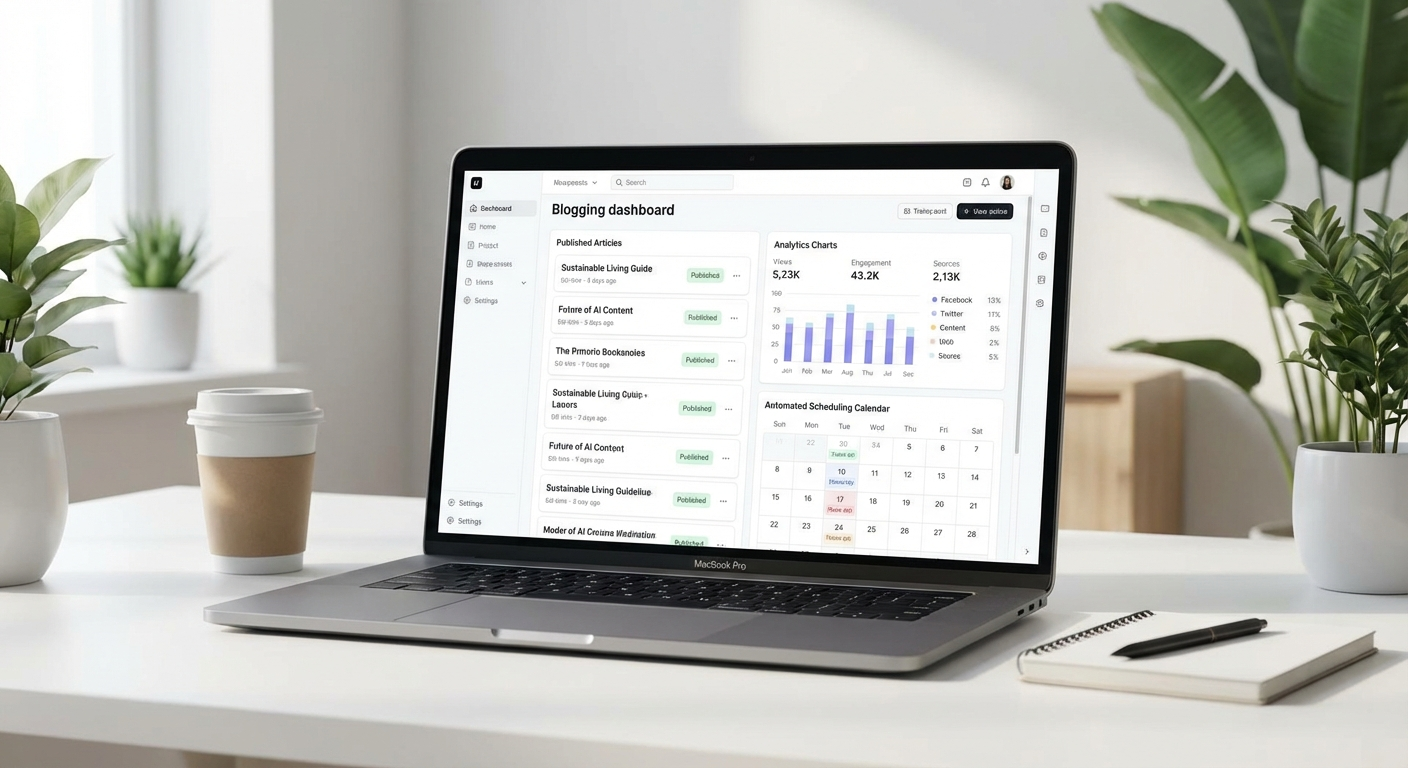
"Every Monday at 9AM, write and publish a news post about AI trends to my Ghost blog"OpenClaw uses its built-in cron scheduler to wake up at the scheduled time, research fresh content, write a unique article, generate images, and publish — automatically notifying you when done.
Part 5: Fine-Tuning Your Pipeline
Customize Your Writing Style
Tell OpenClaw how you want your blog to sound. Just describe your brand voice:
- "Write in a conversational, friendly tone — like explaining to a smart friend"
- "Always include real data and statistics"
- "Keep paragraphs short. Use lots of subheadings."
- "End every post with a clear call-to-action"
OpenClaw stores these preferences in memory and applies them to every future post automatically.
Tag Strategy
Organize your content with consistent tags. For HeyAgents.dev, we use:
- tutorials — Step-by-step how-to guides
- reviews — Tool and product reviews
- news — Latest AI and tech news
- skills — OpenClaw skill spotlights and guides
OpenClaw automatically assigns the most relevant tag(s) based on content type.
Real Results: What to Expect
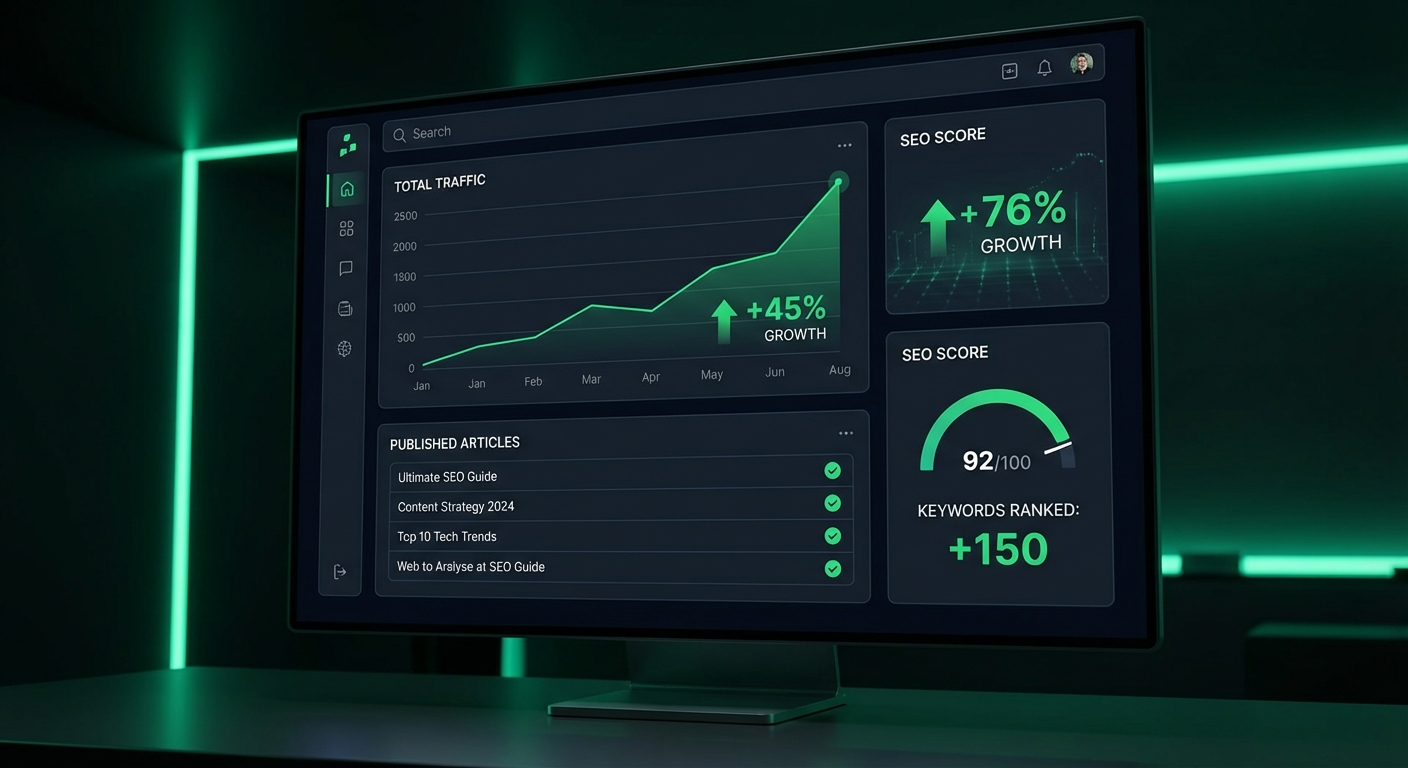
- Publishing frequency: From 1–2 posts/month to daily publishing
- Time saved: 3–5 hours per post → 3 minutes automated
- Cost: ~$0.10–0.20 per full article (AI API + image generation)
- SEO impact: More frequent publishing = more indexed pages = more organic traffic
Important: Keep It Human
Fully automated content works best when combined with a human editorial layer. We recommend:
- Review posts as drafts before auto-publishing (at least initially)
- Add personal opinions and first-hand experience where possible
- Fact-check statistics and claims
- Ensure your brand voice is consistent
Use automation for volume and consistency, your own expertise for depth and trust. The combination is unbeatable.
Conclusion
Building an automated blog with OpenClaw and Ghost is one of the highest-leverage things you can do as a content creator in 2026. The setup takes an afternoon. The payoff compounds for months and years.
You focus on strategy and creativity. Let the AI handle the execution.
Get started with OpenClaw (free & open-source) at openclaw.ai and Ghost (free self-hosted) at ghost.org. Your automated content machine is one afternoon away.