OpenClaw Multi-Agent: Run a Team of AI Agents from One Server (Complete Guide)
What if one AI assistant wasn't enough? OpenClaw's multi-agent routing lets you run a whole team of specialized AI agents — each with their own personality, memory, and skills — all from a single server. Here's how to set it up.
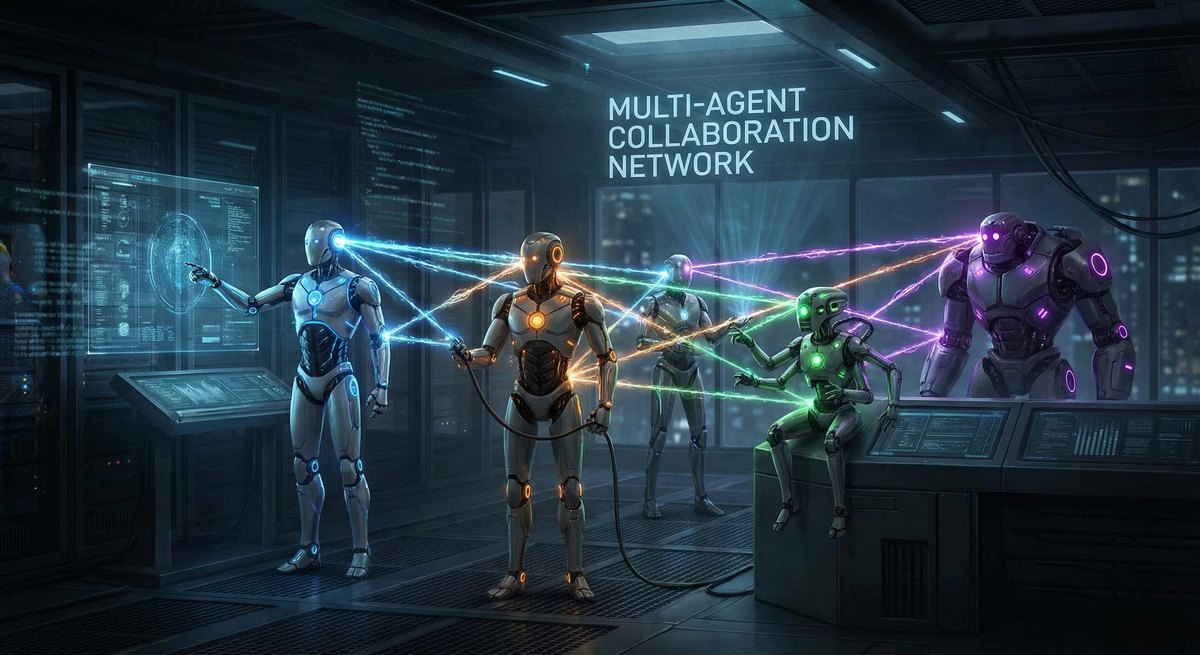
What if one AI assistant wasn't enough? What if you could run a whole team of specialized AI agents — each with its own personality, memory, and purpose — all from a single server? That's exactly what OpenClaw's Multi-Agent Routing enables.
What Is Multi-Agent in OpenClaw?
In OpenClaw, a single 'agent' is a fully isolated AI brain with its own workspace, memory, personality (SOUL.md), session history, and authentication profiles. By default, OpenClaw runs one agent — but it's built from the ground up to support many agents running simultaneously on the same Gateway.
Multi-agent routing means you can have multiple distinct AI agents, each connected to different channels, handling different people, or specializing in different tasks — all managed by one OpenClaw installation.
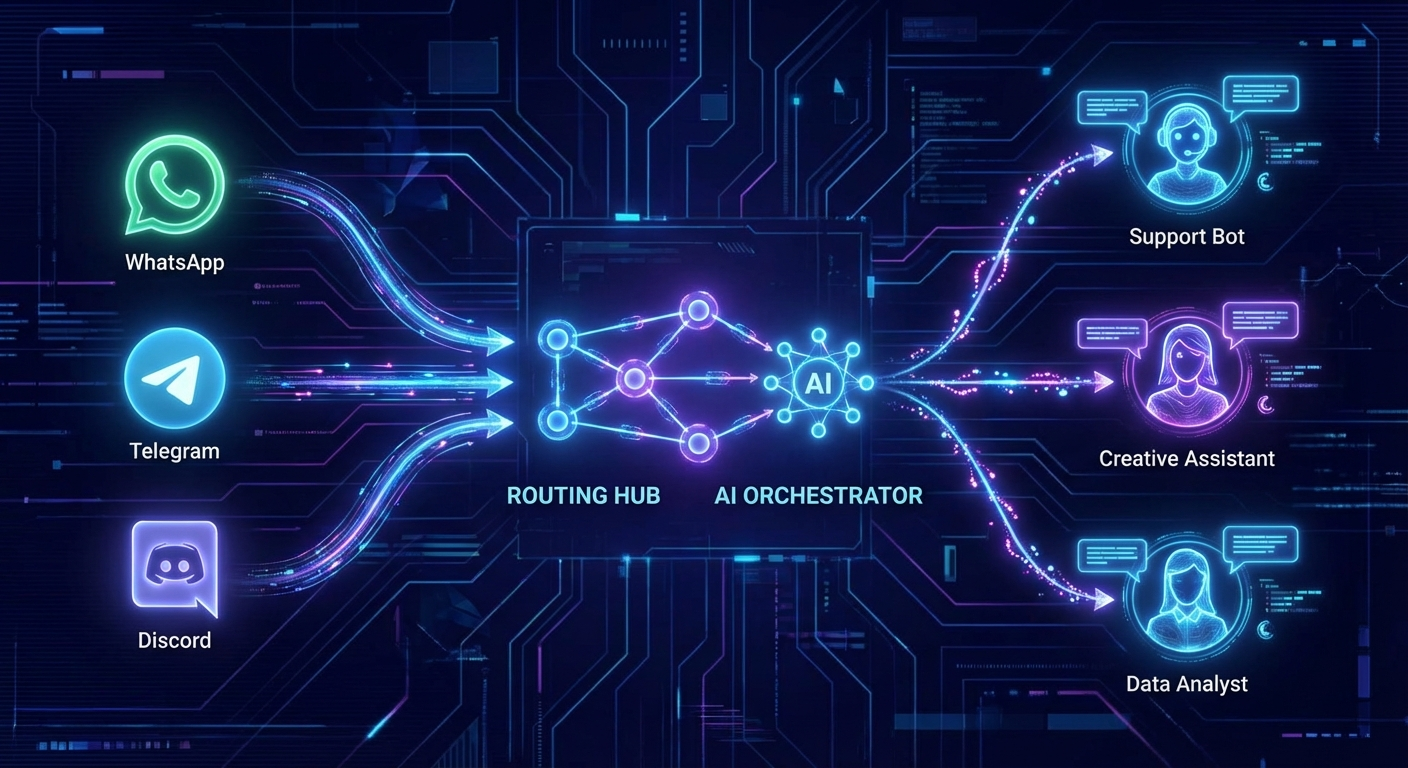
Single Agent vs. Multi-Agent: Key Differences
- Single Agent — One AI brain, one workspace, one personality. Default setup. Great for personal use.
- Multi-Agent — Multiple isolated AI brains, each with separate workspace, memory, personality, and auth. One Gateway serves all.
- Multi-Agent + Multi-Channel — Each agent has its own Telegram bot, WhatsApp number, or Discord bot — completely isolated.
Think of it like running multiple employees — each with their own desk, files, and specialization — inside one office building. The building is your Gateway; the employees are your agents.
How Multi-Agent Routing Works
OpenClaw uses a deterministic binding system to route incoming messages to the right agent. When a message arrives, OpenClaw checks these rules in priority order (most specific wins):
- Exact peer match — specific DM ID or group chat ID mapped to an agent
- Parent peer match — thread inheritance from a parent conversation
- Guild + roles — Discord role-based routing
- Guild ID — entire Discord server routed to one agent
- Account ID — all messages from a specific channel account go to one agent
- Channel-wide fallback — catch-all for a channel (accountId: "*")
- Default agent — the first agent in the list, or 'main'
If multiple rules match at the same tier, the first one defined in config wins. Rules use AND logic — all specified fields must match.
Step-by-Step: Setting Up Multi-Agent in OpenClaw
Step 1: Create Your Agents
Use the OpenClaw agent wizard to add new isolated agents:
openclaw agents add coding
openclaw agents add social
openclaw agents add business
Each agent gets its own workspace at ~/.openclaw/workspace-<agentId> with its own SOUL.md, AGENTS.md, USER.md, and session store.
Step 2: Configure Agent Personalities
Navigate to each agent's workspace and customize their SOUL.md files to define personality, tone, and purpose:
# ~/.openclaw/workspace-coding/SOUL.md
# This agent is a senior developer — precise, technical, loves clean code

# ~/.openclaw/workspace-social/SOUL.md
# This agent is a social media manager — creative, engaging, trend-aware
Step 3: Create Channel Accounts
For full isolation, create a separate bot/account per agent on each channel:
# Telegram: create bots via @BotFather, one per agent
openclaw channels login --channel telegram --account coding-bot
openclaw channels login --channel telegram --account social-bot

# WhatsApp: link separate phone numbers
openclaw channels login --channel whatsapp --account work-number
Step 4: Configure Bindings in openclaw.json
Add routing rules to connect channels and senders to the right agent:
{
  "agents": {
    "list": [
      { "id": "coding", "workspace": "~/.openclaw/workspace-coding" },
      { "id": "social", "workspace": "~/.openclaw/workspace-social" },
      { "id": "main", "default": true }
    ]
  },
  "bindings": [
    {
      "agentId": "coding",
      "match": { "channel": "telegram", "accountId": "coding-bot" }
    },
    {
      "agentId": "social",
      "match": { "channel": "telegram", "accountId": "social-bot" }
    },
    {
      "agentId": "coding",
      "match": { "channel": "whatsapp", "peer": { "kind": "direct", "id": "+1555000001" } }
    }
  ]
}
Step 5: Restart and Verify
openclaw gateway restart
openclaw agents list --bindings
openclaw channels status --probe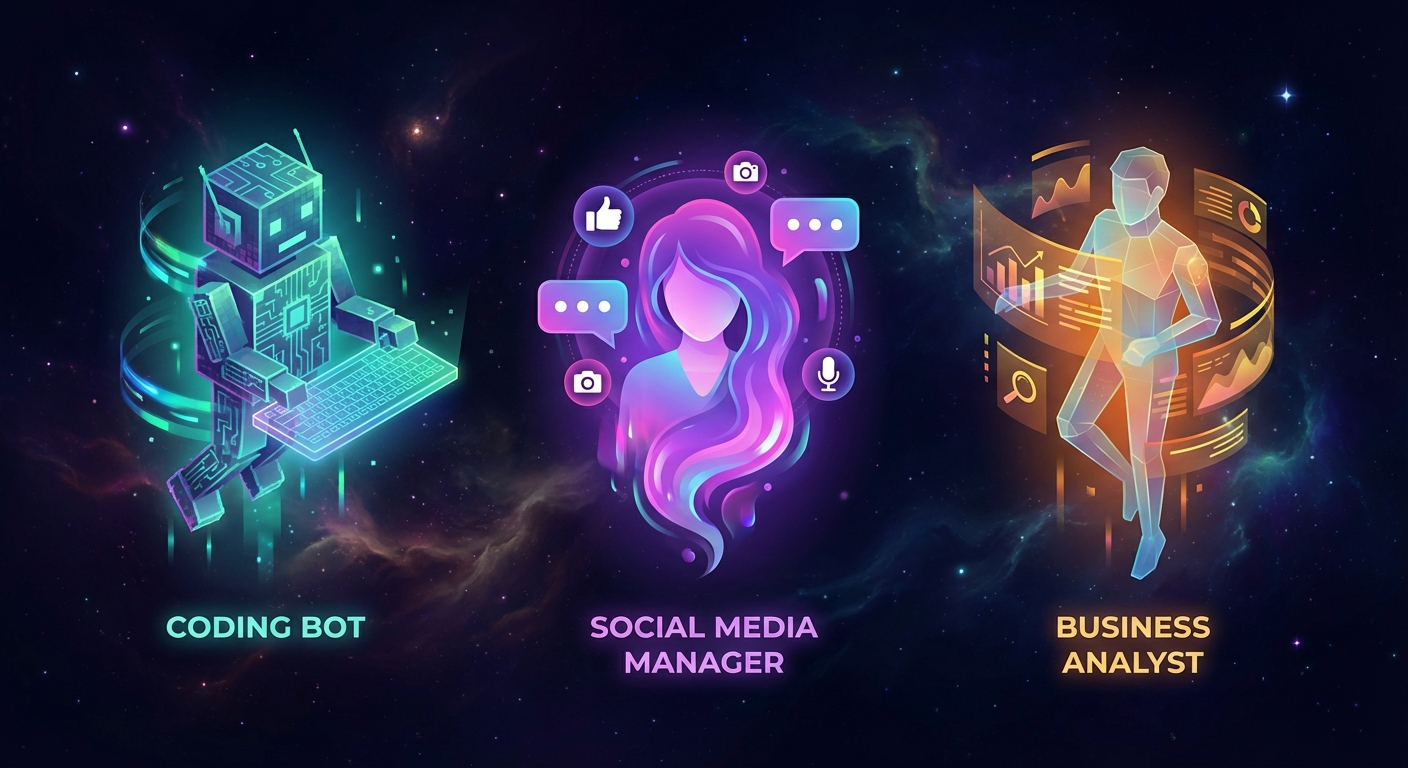
Real-World Use Cases for Multi-Agent
1. 👨👩👧 Family Setup — One Server, Everyone Gets Their Own AI
Run separate agents for each family member. Your agent knows your schedule and preferences; your partner's agent knows theirs. Same Gateway server, completely isolated brains and memories. Each person gets their own WhatsApp number or Telegram bot.
2. 🏢 Small Business — Specialized Agents by Department
- Customer Support Agent — handles inquiries via public Telegram bot, trained on FAQ and product docs
- Developer Agent — connected to team's Discord, handles GitHub issues, code review, deployment alerts
- Marketing Agent — manages social media scheduling, blog automation, content pipeline
- Analytics Agent — monitors KPIs, generates weekly reports, alerts on anomalies
3. 💻 Developer Workflow — Multi-Project Isolation
Running multiple client projects? Give each project its own agent with access only to that project's codebase, credentials, and context. No cross-contamination between clients. Each agent has separate auth profiles and API keys.
4. 📱 One WhatsApp Number, Multiple People
Route different contacts to different agents based on their phone number, even on a single WhatsApp account:
{
  "bindings": [
    {
      "agentId": "vip-support",
      "match": { "channel": "whatsapp", "peer": { "kind": "direct", "id": "+84901234567" } }
    },
    {
      "agentId": "general-support",
      "match": { "channel": "whatsapp", "accountId": "*" }
    }
  ]
}
5. 🤖 Content Pipeline — Parallel Publishing Agents
Run multiple specialized content agents in parallel, each handling a different content type:
- News Agent — monitors RSS feeds, writes daily roundups, publishes to Ghost automatically
- Review Agent — researches and writes product reviews with affiliate links
- Tutorial Agent — creates step-by-step technical guides based on trending topics
- SEO Agent — monitors existing posts, suggests updates, rewrites meta descriptions
6. 🪙 Crypto & DeFi Monitoring
Run dedicated monitoring agents for different protocols or portfolios:
- Liquidation Monitor Agent — watches lending pools (Aave, Compound), alerts when positions near liquidation threshold
- Market Agent — tracks price movements, sends alerts to Telegram when conditions are met
- Portfolio Agent — generates daily P&L summaries and weekly performance reports
Advanced: Skills Per Agent
Each agent can have its own set of skills — from the shared ClawHub library or agent-specific custom skills in their workspace's skills/ folder:
- Coding agent: GitHub, Docker, terminal, coding-agent skills
- Social agent: Twitter/X, Buffer, content generation skills
- Business agent: Google Sheets, email, calendar skills
- Personal agent: weather, reminders, smart home skills
# Install skills for specific agents
npx clawhub install github --workdir ~/.openclaw/workspace-coding/skills
npx clawhub install twitter-post --workdir ~/.openclaw/workspace-social/skills
Data Isolation & Security
Each agent's data is fully isolated by default:
- Separate auth profiles — credentials in one agent cannot be accessed by another
- Separate session stores — chat history never crosses agent boundaries
- Separate workspaces — files, memory, and notes are siloed per agent
- Sandboxing available — enable exec sandboxing to prevent agents from accessing files outside their workspace
Important: workspace isolation is by convention (relative paths), not a hard OS sandbox. For strict isolation, enable sandboxing in openclaw.json.
Who Needs Multi-Agent?
Multi-agent routing is the right choice when:
- Multiple people need their own isolated AI assistant on shared infrastructure
- You want specialized agents for different domains (coding vs. marketing vs. support)
- You're running a business and need department-specific AI capabilities
- You need strict data separation between different projects or clients
- You want to experiment with different AI personalities or models side by side
- You're building a DeFi monitoring stack with multiple protocol watchers
For solo personal use with a single workflow, single-agent mode is perfectly sufficient. Multi-agent is for when one brain isn't enough.
Getting Started Today
Multi-agent routing is built into OpenClaw — no plugins or extra installs required. If you already have OpenClaw running, you're one command away:
openclaw agents add my-second-agentFull documentation: docs.openclaw.ai/concepts/multi-agent
Join the OpenClaw Discord community to see how others are building their multi-agent setups — from family configurations to full business automation stacks. 🦞